Tutorial
Technical
iOS 18
How to Fix 'Shortcuts' Lag on iOS 18 (Speed Up Your Phone)
Aykut Yilmaz
2025-12-20 ·
Quick Answer: To reduce lag when opening custom icons, enable 'Reduce Motion' in Accessibility settings and ensure you are using the latest iOS update.
Why do custom icons lag?
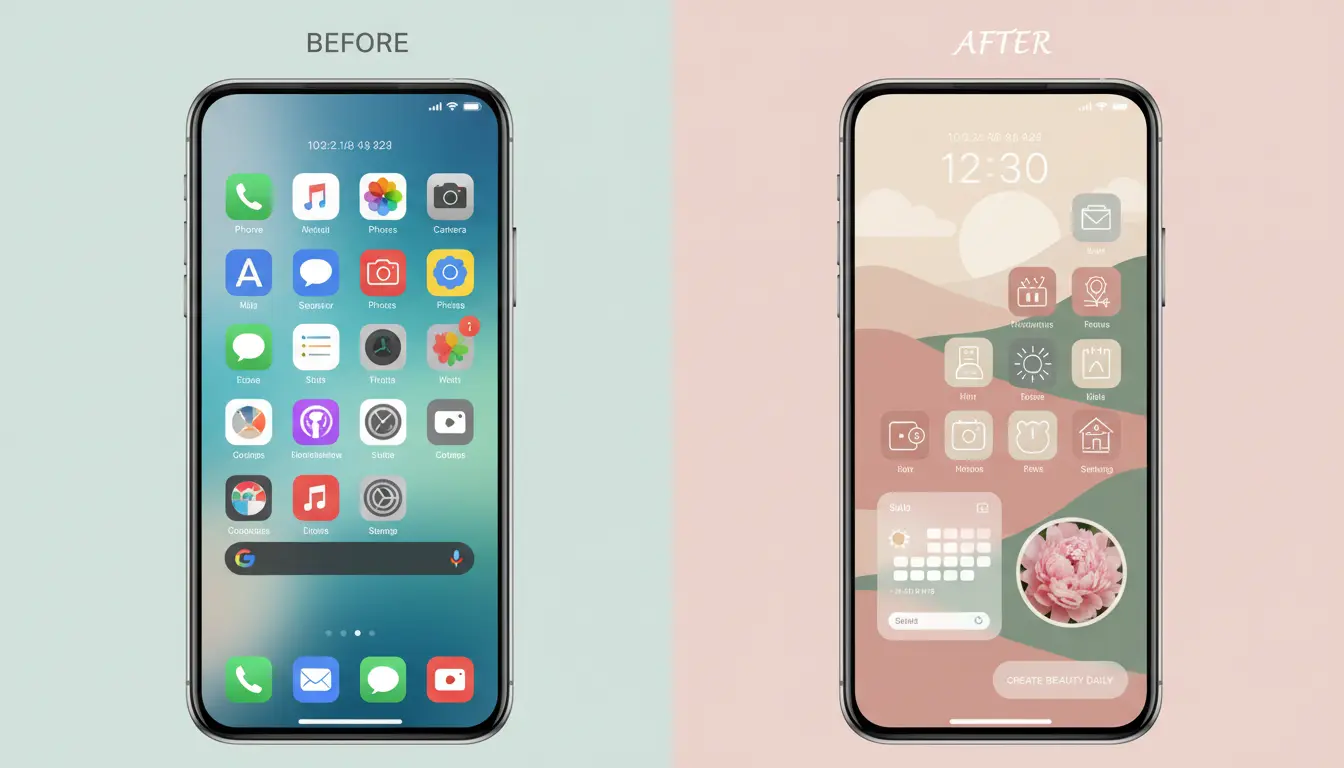
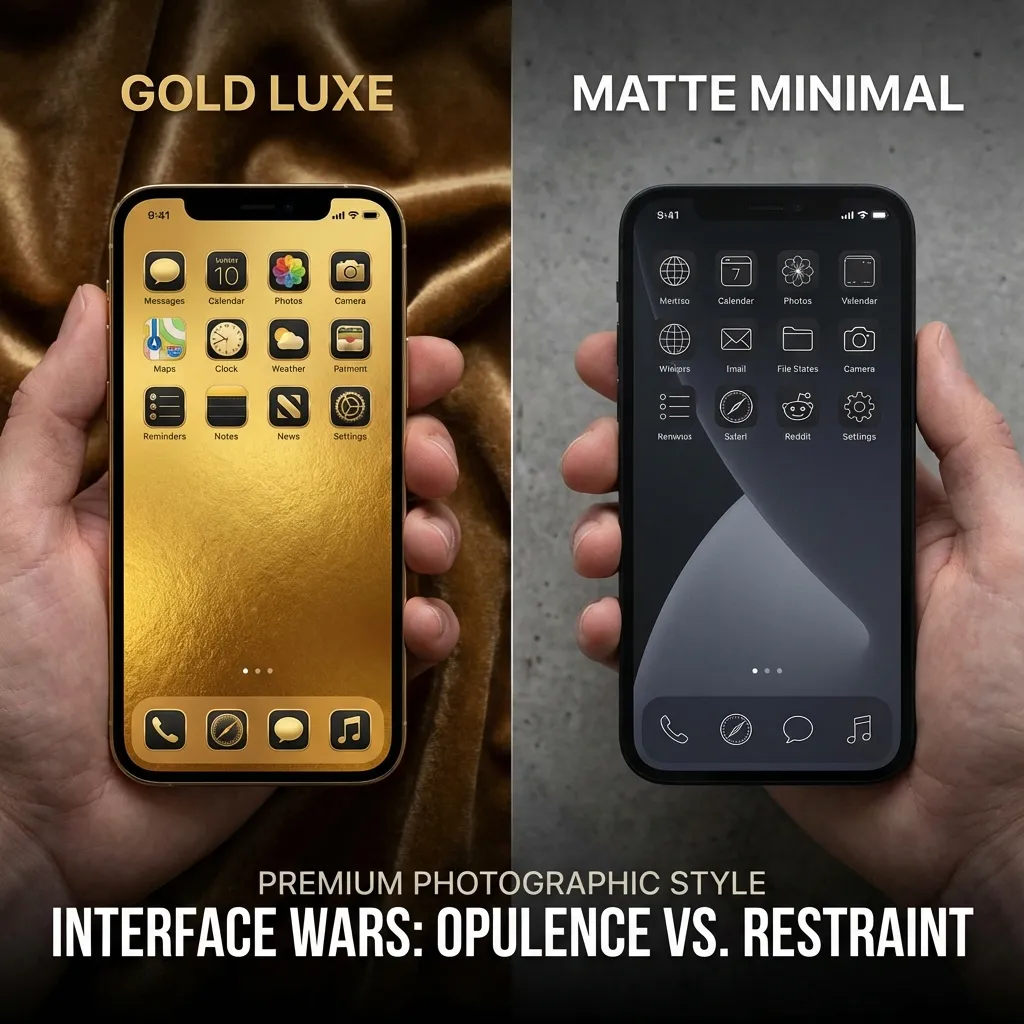
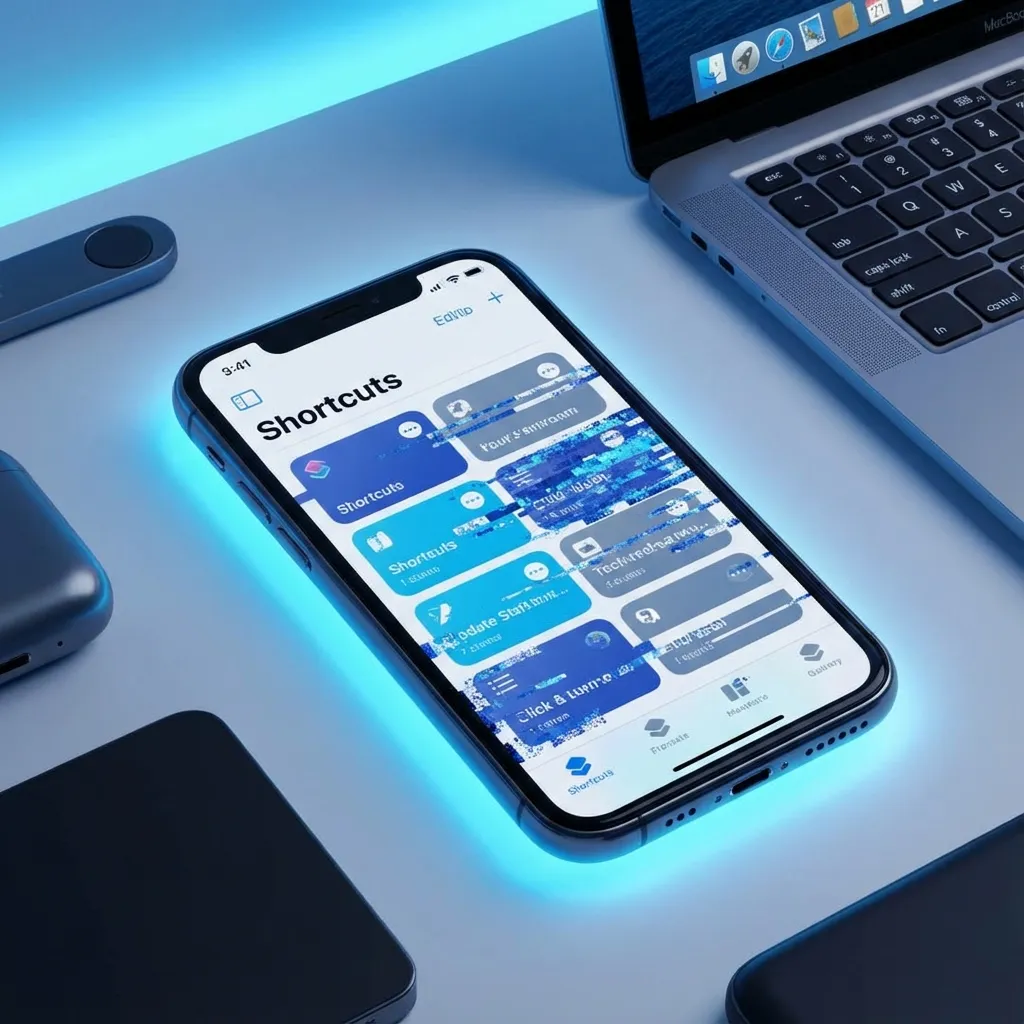
When you use the Shortcuts app to create custom icons, your phone technically opens the Shortcuts app first, then redirects to the target app. This split-second delay can be annoying.
3 Ways to Speed It Up
- Reduce Motion: Go to Settings > Accessibility > Motion > Reduce Motion. This removes the zooming animation.
- Use Native Theming (iOS 18+): If available, use the built-in 'Tinted' icon feature in iOS 18 which has zero lag.
- Clear Ram: Restart your iPhone regularly to keep animations smooth.